
Secure, monitor, and manage your device fleet effortlessly from a centralized Scalefusion dashboard - boost productivity, enforce security policies and support BYOD with ease.
Scalefusion MDM (Mobile Device Management) is a powerful, comprehensive solution designed to simplify and secure the management of mobile devices in modern organizations. Tailored to meet the needs of businesses across various industries, Scalefusion enables IT administrators to seamlessly manage a wide range of devices, including smartphones, tablets, laptops, rugged devices, and even purpose-built devices like kiosks and digital signage. Scalefusion MDM helps businesses to maintain control, security, and compliance across their device fleet, ensuring operational efficiency and protecting sensitive corporate data.
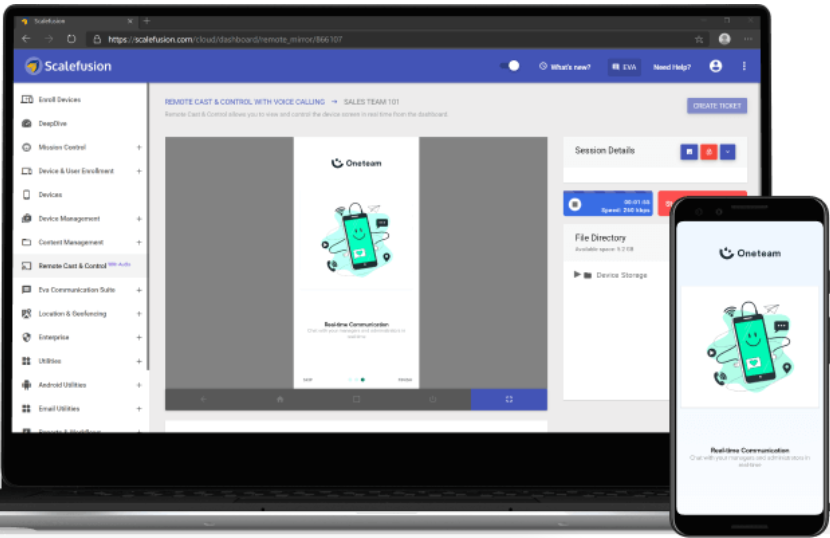
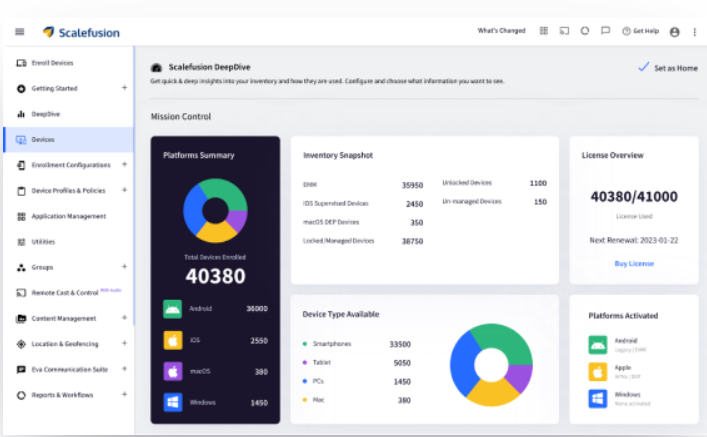
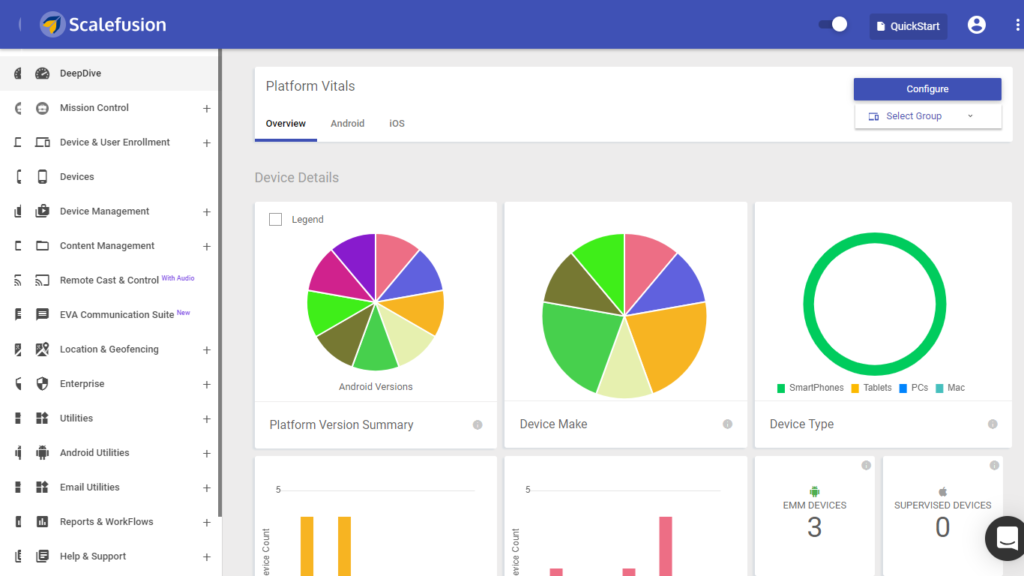
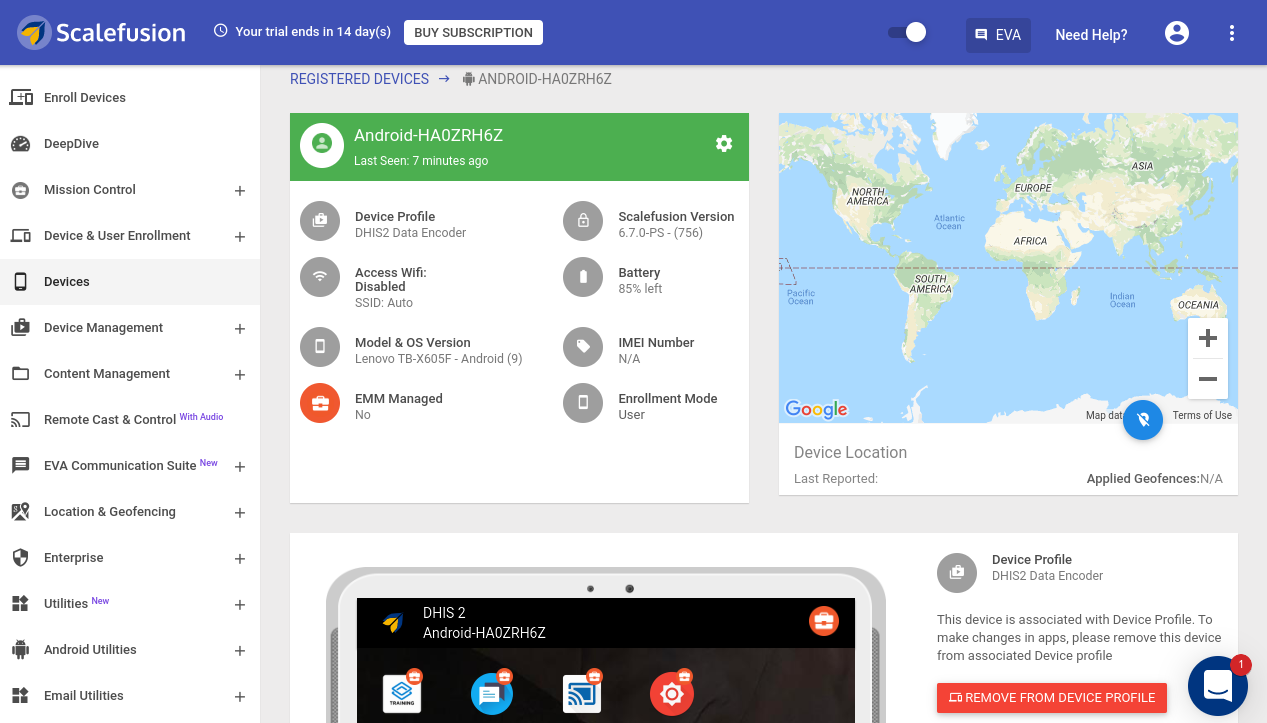
At the heart of Scalefusion MDM is its intuitive, cloud-based dashboard, which offers centralized control over all registered devices. From this single interface, IT teams can perform a variety of tasks such as enrolling new devices, configuring settings, and applying security policies. Scalefusion supports both company-owned and employee-owned (BYOD) devices, allowing organizations to implement device management strategies that suit their specific needs. For BYOD deployments, Scalefusion offers features like secure containerization, which separates personal data from corporate data, ensuring user privacy while maintaining security for business applications.
Scalefusion MDM excels in providing robust security features that protect devices from unauthorized access and data breaches. IT administrators can enforce password policies, remotely lock or wipe devices, and use geo-fencing to restrict device usage to specific locations. Scalefusion’s real-time monitoring and alerts enable proactive threat detection, allowing IT teams to respond swiftly to potential security incidents. The platform also supports encryption and compliance with industry regulations, making it ideal for sectors like healthcare, finance, and education that require stringent data protection measures.
In addition to security, Scalefusion MDM enhances productivity by enabling seamless application management. IT teams can remotely install, update, or remove apps across devices, ensuring that employees have access to the tools they need without the hassle of manual installations. The platform’s content management features allow for the distribution of files and documents, providing a secure and efficient way to disseminate information.
Scalefusion also offers advanced functionalities like kiosk mode, which transforms devices into dedicated-use terminals for specific applications, and digital signage, which allows for the display of dynamic content in public spaces. These features make Scalefusion versatile enough to support various business scenarios, from retail to logistics and beyond.
Overall, Scalefusion MDM stands out for its ease of use, flexibility, and comprehensive feature set. By enabling organizations to manage and secure their device fleet effectively, Scalefusion MDM not only reduces IT workload but also empowers businesses to embrace mobility confidently. With Scalefusion, organizations can ensure that their mobile strategy aligns with business objectives, driving productivity and maintaining a high standard of security.
Scalefusion provide services in other business platforms like Unified Endpoint Management, Kiosk Management software, Enterprise Mobility Management, Rugged Device Management, Bring Your Own Device (BYOD).


Supported platform:
Android, iOS, macOS, Windows 10/11, Linux
Language:
English
Average Team Size:
100
Billed Annually (For FY 2022-23)
Arun Kumar
Marketing Specialist
Scalefusion MDM is Effortless for Mobile Device and Endpoint Management for 360o Monitoring and Security of Your Device Fleet
Despite the fact that Scalefusion solutions are primarily designed for Enterprise applications, I finished a trial and am now taking use of its numerous features that provide Family protection for smartphones and tablets. The ability to regulate apps and monitor behavior is feature-rich and dependable. And they provide outstanding help in both setup and continuing usage, offering both chat and video conferencing.
Pros: -
The administrator (i.e., parent) has complete control and monitors usage (by family members)
Cons: -
The best way to complete the setup is with the assistance of Scalefusions' exceptional support staff. Because the product is positioned as an MDM Enterprise solution, it is probable that the administrator is technically adept. This is less likely to be the case with a Family application.
Gopi Krishna
Marketing Specialist
Simple and unified device management experience
Scalefusion MDM enable us to config the profiles also we can easily assign to the devices for any deployment.
Pros: -
The user interface is very simple and clean also simplest way to config the layout of the mainscreen. This Scalefusion MDM supports in both iOS and Android devices
Cons: -
There are no dislikes or cons to discuss. Even the support team is approachable for our queries.
durga@alternativesonly.com
Public Relations
Overall Satisfaction
We are using Scalefusion as our Mobile Device Management solution. We are controlling our devices via Scalefusion, for deploying our applications and restricting unnecessary use.
Pros: -
Working on cloud. No physical device needed. Supports big number of devices.
Cons: -
Deploying applications sometimes stuck and get time.
keerthy@markbran.com
Marketing Specialist
Fabulous tool for managing
The tool is super fast easy to handle and smart too. Has incredible number of features and options. The whole thing from support and sales are always available and technically expert about this solution.
Pros: -
Scalefusion unable to create the profiles that can easily assign to the devices. The user interface and easy navigation makes the work more easier. Location tracking and the lost device feature is simply superb. Scalefusion can manage both IOS and Android devices All in One application
Cons: -
There is one area which it should improve that is the ability to set up the device profile. Because sometimes we need to do some sort of changes which is so tough for me
shubham joshi
Marketing Manager
Very good and excellent . Great Service and respond on time
Its solvign my problem of tracking the devices from my head office and also the silent update of App which happens in 5 mins , in all devices
Pros: -
Remote cast control and silent update is the best option I like in scalefusion . And in service they respond everytime with the best possible solution .
Cons: -
I have encountered nothing , which I can say is disliking .
raghu@tadiron.com
Marketing Manager
Excellent Platform with Great Commitment
Scalefusion MDM is trustworthy and its security endpoint for laptops, tablets and Smartphones. Mainly support team is world class world class.
Pros: -
Here they have a tag team strategy that looks for great. The support team was so cool and nice and I can solve any of my problems. Is supporting engineer are so friendly. Are
Cons: -
As of now there is no issues. Always try to keep update designs, features etc