Data & privacyAnalysis
3-2-1 is not enough: 94% of ransomware victims saw attackers go for the backups
Sophos's survey of 2,974 ransomware victims and TechBag's count of 15 cyber-recovery products: who can lift the lock and who restores clean, as of September 2026.

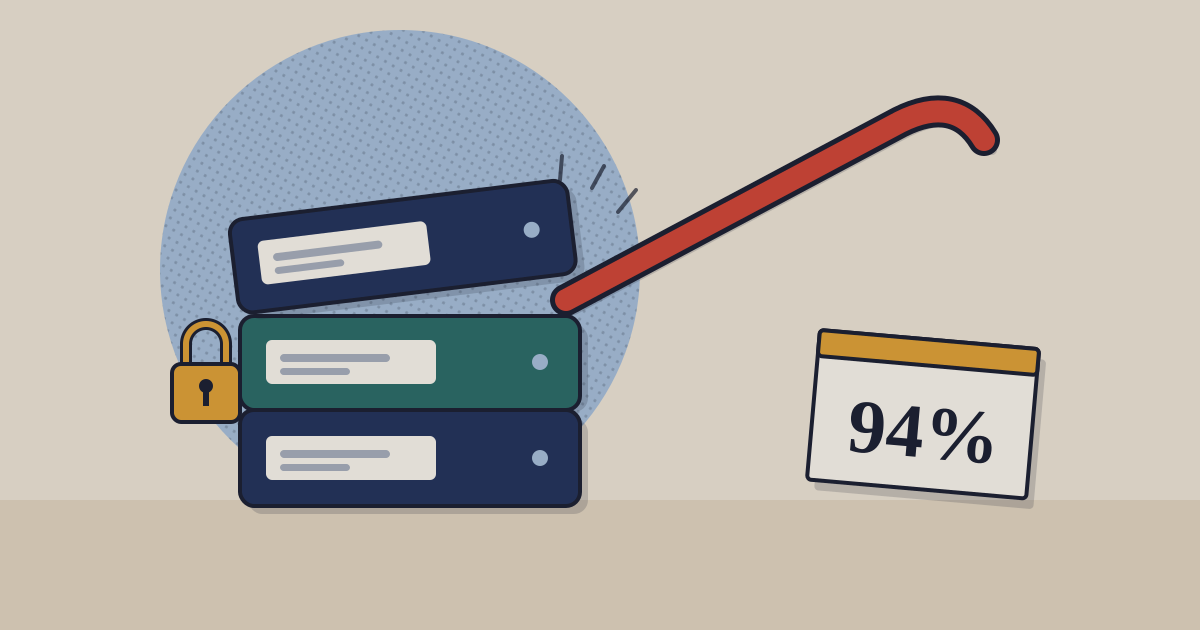
The question our 2024 post answered was what the 3-2-1 rule is. The question a buyer has now is whether following it is enough. An organisation can keep three copies on two media with one off-site and still lose all three in an afternoon, if the same stolen administrator account can reach every one of them. That is how most modern ransomware ends, and it changes what the rule needs to say.
01What 3-2-1 says, and the two digits it now needs
Veeam’s current definition is the standard one: three copies of the data, counting the original; on two distinct kinds of storage; with at least one copy off-site. Veeam extends it to 3-2-1-1-0, adding “one immutable copy” and “zero recovery errors”, because “ransomware increasingly targets backups”.2 The original three digits protect against independent failures: a disk dies, a building floods. The two new digits protect against a correlated one, an attacker with the keys to all three.
3-2-1 survives fire and disk failure; the extra 1 and 0 are what survive an attacker
The 3-2-1 rule and its 3-2-1-1-0 extension, as defined by Veeam
- 01
3 copies
The original plus at least two backups, so one corrupt copy is not the end.
- 02
2 kinds of storage
Disk and cloud, or disk and tape, so one media fault cannot take both.
- 03
1 off-site
Another building or region, so a fire or flood leaves a copy standing.
- 04
+1 immutable, 0 errors
One copy nobody can change or delete, and restores tested until they come back clean.
Source: Veeam, What is the 3-2-1 backup rule (dated 5 February 2024, updated 3 July 2026) · as of 3 July 2026
One correction to our 2024 post, which offered cloud storage as the easy way to meet the off-site rule. A folder synced to OneDrive, Google Drive or Dropbox is not a backup copy in this sense. Sync is designed to make every copy match, so when ransomware encrypts the local folder the encrypted files travel to the cloud too, and a deletion travels just as quickly. Version history helps, but only for as long as the service keeps it and only if the attacker has not used the same account to purge it. A backup copy is one the production system cannot overwrite.
02Attackers go for the backups first
Sophos asked 2,974 IT and security leaders whose organisations had been hit by ransomware in the previous year what happened to their backups. 94% said the attackers tried to compromise them; overall 57% of those attempts succeeded, ranging from 79% in energy and utilities to 30% in IT, technology and telecoms.1 The outcomes then split sharply.
When backups fell, victims paid nearly twice as often and fewer recovered within a week
Share of ransomware victims, by whether backups were compromised, survey conducted early 2024
- Backups not compromised
- Backups compromised
Table view
| Backups not compromised | Backups compromised | Change | |
|---|---|---|---|
| Data encrypted | 52 | 85 | 33 pts |
| Paid the ransom | 36 | 67 | 31 pts |
| Fully recovered in a week | 46 | 26 | -20 pts |
Source: Sophos, The Impact of Compromised Backups on Ransomware Outcomes (n = 2,974) · as of 28 March 2024 · survey of victims, self-reported; association, not causal
The money follows. Median ransom demands were US$2.3 million where backups were compromised and US$1 million where they were not, and median overall recovery costs were US$3 million against US$375,000.1
8×
median recovery cost where backups were compromised
US$3 million against US$375,000 where they survived; Sophos survey of 2,974 ransomware victims.
These are self-reported medians from one vendor’s survey, and an organisation that loses its backups may differ in other ways too. But the direction is not in doubt, and it explains the attacker’s order of work: delete or encrypt the backups, then the servers, then send the note.
The mechanics are rarely clever. An operator who has spent days inside the network finds the backup server, its console and the credentials that run it, and then deletes the backups, shortens their retention so they expire, or encrypts the repository along with everything else.3 None of that needs a flaw in the backup software. It needs an administrator account that can do what administrators are normally allowed to do, which is why the next question is about permissions rather than features.
03Immutable is a word; who can lift the lock is the question
Almost every backup product now says “immutable”. TechBag’s cyber-recovery guide compares 15 products by SKU and records, from vendor documentation, who can remove the lock before the retention period ends. Two of the 15 are detection services with no storage of their own, which leaves 13.3
Only 6 of 13 immutable backup products document that nobody can lift the lock inside retention
Storage products by who can remove immutability before retention ends, of 13 in TechBag's Cyber Recovery guide, September 2026
Source: TechBag Cyber Recovery guide, from vendor documentation · as of 30 September 2026 · vendor documentation verified 22 August 2026; 'not established' is never read as a fail
The middle bar is where buyers get caught. Acronis offers a compliance mode that nobody, including Acronis support, can override, but its default is governance mode, in which an administrator can disable immutability with a 14-day grace period. NinjaOne offers both modes on S3 Object Lock. Veeam’s own software leaves the repository and its immutability mode to your design.3 In each case the product supports a lock nobody can lift; whether you have one depends on a setting someone chose at installation.
Four questions settle it, and each answer should come from the vendor’s documentation page rather than its brochure:
- Which lock mode is the default, and who switched it to the stricter one in our tenant?
- Which role can shorten retention on an existing copy, and does that role exist in our directory today?
- Is object lock actually enabled on the storage bucket, and on every bucket the backups write to, not only the first one someone configured?
- Can the vendor’s support team delete a copy on request, and what proof of identity does that take?
04The zero: restoring clean, not just restoring
The final digit, zero errors, is usually read as “test your restores”. After ransomware it means more: the attacker was often inside for weeks, so the last several backups may carry the implant, and a restore that works can put it straight back. Three capabilities answer that, and the guide records each one by SKU.3
Fewer than half the cyber-recovery products scan backups for malware, and 3 of 15 offer a clean room
Products documenting each restore-clean capability, of 15 in TechBag's Cyber Recovery guide, September 2026
Source: TechBag Cyber Recovery guide, from vendor documentation · as of 30 September 2026
A clean room matters most to an organisation that cannot simply rebuild: a bank, a hospital, a manufacturer whose plant runs on the servers being restored. For a mid-sized services firm, a malware scan of the restore point and a scheduled test restore of one real server is the practical version of the zero. Whichever applies, the 2024 post’s advice to “test your backups” needs a date in the calendar and a named owner to mean anything.
Sources
- Sophos, The Impact of Compromised Backups on Ransomware Outcomes (survey of 2,974 ransomware victims, Vanson Bourne) — 28 March 2024
- Veeam, What is the 3-2-1 backup rule? (and 3-2-1-1-0) — 5 February 2024; updated 3 July 2026
- TechBag, Cyber Recovery guide: 15 products by immutability, who can lift it, air gap, clean room, India and price — version committed 30 September 2026; vendor documentation verified 22 August 2026
- CERT-In, Directions under section 70B(6) of the IT Act, Annexure I (ransomware among reportable incidents; six-hour reporting) — 28 April 2022
- DPDP Rules, 2025, Rule 6 (reasonable security safeguards, including data backups) — notified 13 November 2025
- MeitY, Digital Personal Data Protection Act, 2023 and DPDP Rules, 2025 (substantive duties from 13 May 2027) — 13 November 2025
- RBI, Cybersecurity, Technology Risk and Resilience Framework Directions, 2026, via practitioner summary — 31 July 2026 RBI PDF not fetched.
- SEBI, Cybersecurity and Cyber Resilience Framework (CSCRF) for SEBI Regulated Entities — 20 August 2024; in force 31 August 2025 Not re-fetched for this piece.
Related on TechBag: the Cyber Recovery guide filters the 15 products on exactly these questions, and the Backup & Recovery guide covers the platforms underneath.
Disclosure. TechBag is a software reseller: it earns a margin when a reader buys through it, including from vendors named here. The analysis is TechBag’s own; no vendor paid for or saw this piece before publication. Facts are labelled reported, TechBag count or our view.
Keep reading