OneDrive fixes a 1 TB quota bug: some users drop to 2 GB, and those over go read-only
Microsoft’s notice of 24 November: which licence combinations lose a 1 TB OneDrive in January, the quotas they fall to, what read-only allows, and what an admin does by 29 January.

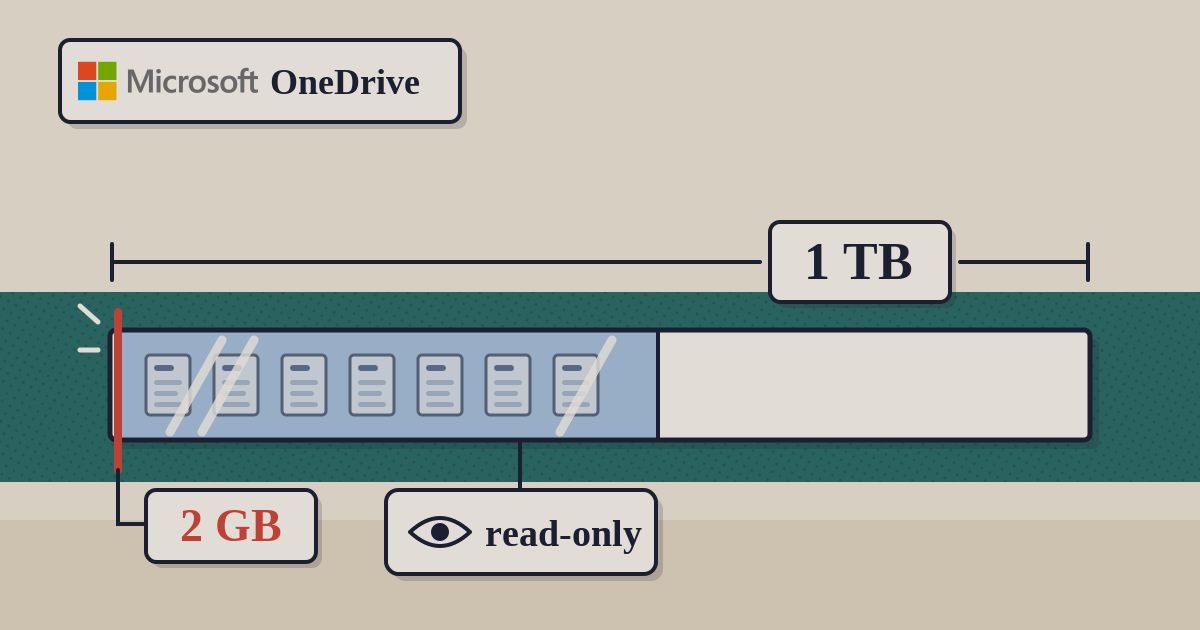
Some OneDrive for Business users who have 1 TB of storage today will drop to as little as 2 GB in January. Microsoft told admins on 24 November, in message-centre post MC1567261, that users holding certain storage plans together with certain plans that carry no OneDrive storage “can incorrectly receive a 1 TB OneDrive quota”. It is fixing the licence evaluation so that the quota comes from the storage plan alone, which “may be lower than 1 TB”. The rollout begins in early January 2027 and should finish by late January; the post’s act-by date is 29 January.1
The corrected quotas are at most a tenth of the 1 TB these users hold today
OneDrive quota per user, in GB, for the affected licence combinations, now and after the January 2027 fix
Source: Microsoft 365 message-centre post MC1567261, read via mc.merill.net · as of 27 November 2026, 7:15pm IST · 1 TB shown as 1,024 GB, the binary measure SharePoint storage uses
01Who is affected
A user is affected only if they hold a plan from each of Microsoft’s two lists. The first gives OneDrive storage; the second gives none but, combined with the first, currently produces the 1 TB quota.1 Microsoft names plans, the components inside a licence, rather than the products a tenant buys. For orientation, its service description gives Microsoft 365 F3, the frontline licence, 2 GB of OneDrive per user.5
Show tableHide table
| Plan that provides OneDrive storage | Quota after the fix |
|---|---|
| Deskless | 2 GB |
| Basic or Basic P3 | 5 GB |
| Basic P2 or Plan 2A | 10 GB |
| OneDrive Clipchamp | 100 GB |
Show tableHide table
| Plan with no OneDrive storage that triggers the 1 TB quota |
|---|
| M365 Copilot SharePoint |
| Microsoft 365 Copilot Stream |
| Microsoft Syntex Seat |
| Viva Amplify |
| Microsoft Clipchamp |
| Microsoft Clipchamp Premium |
| Viva Connections Premium |
This is a second correction this year. In July Microsoft began enforcing licence-based limits on users whose OneDrive limit had been set above their entitlement, under MC1310684; its FAQ says no purchased storage is removed, because the licence always defined the maximum.2
02What read-only means, and what an admin does
An over-quota OneDrive becomes read-only: the user cannot edit existing files or add new ones, but can still download or delete them.2 Version history, recycle bins and Preservation Hold libraries count towards usage, and deleted files keep counting until they leave the recycle bin.2 3
- Find the users. MC1567261 names no admin-centre report for the affected combinations. It links a community script, Get-ODBOverQuotaUsers.ps1, which compares each user’s usage with the quota their licence gives, using Microsoft Graph; it is read-only, Global Reader is enough, and -ExportPath writes a CSV with an OverQuota column. Its fast mode fails if the tenant hides user names in reports.1 6 One user at a time: Microsoft 365 admin centre > Users > Active users > the user > OneDrive tab.3
- Raise the entitlement. Assign a licence with more OneDrive storage, or buy OneDrive Extra Storage: per-user capacity packs of 100 GB, 500 GB or 1 TB to 6 TB, which cannot be split between users. A user-specific limit set lower must be raised separately.4
- Or cut usage below the new quota, then empty the recycle bin.3
- Brief the helpdesk and SharePoint admins, as the notice asks.1
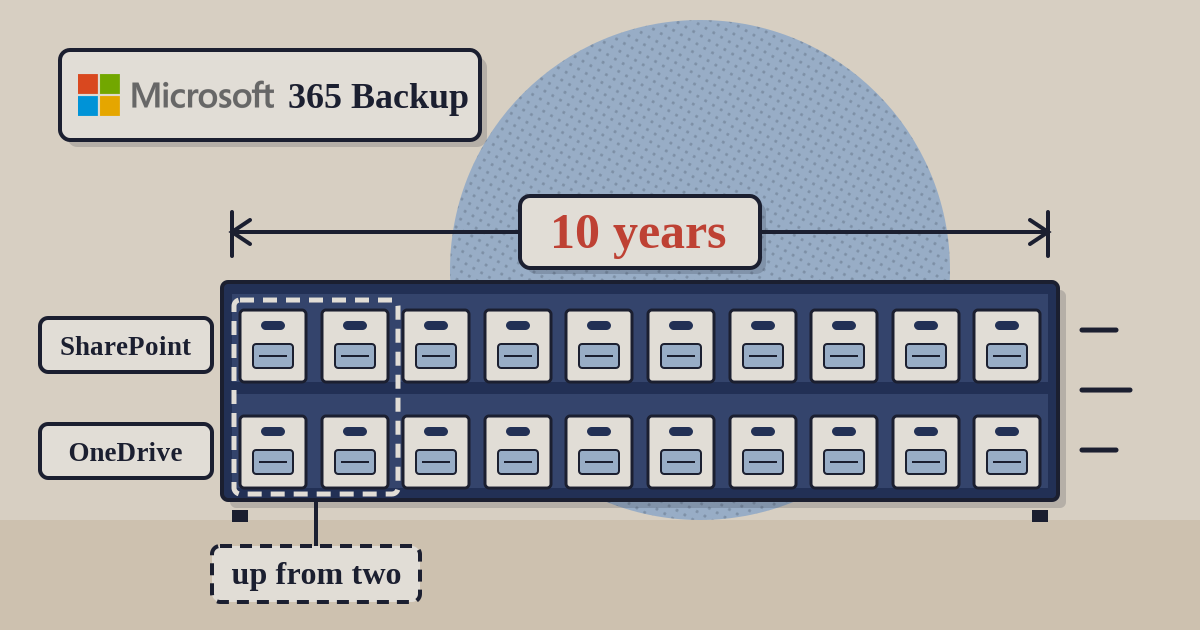
TechBag resells Microsoft 365 through Microsoft’s Cloud Solution Provider programme. Two other SharePoint and OneDrive changes this month: backups can now be kept 10 years, and tempauth file links end on 1 April.
Sources
- Microsoft 365 message centre, MC1567261: OneDrive for Business: Bug fixes to ensure proper storage quota aligns with license limits (read via mc.merill.net) — 24 November 2026
- Microsoft Learn: OneDrive for Business storage quota enforcement: Frequently asked questions — updated 1 July 2026
- Microsoft Learn: OneDrive site is read-only because storage quota was exceeded — updated 27 May 2026
- Microsoft Learn: Add more OneDrive and SharePoint storage to your Microsoft 365 subscription — read 27 November 2026
- Microsoft Learn: OneDrive service description (storage limits) — updated 23 July 2026
- PnP Community Script Samples: Identify OneDrive Users Over License-Based Storage Quota — updated 29 May 2026
Disclosure. TechBag is a software reseller: it earns when companies buy through it, including from vendors named here. The analysis is TechBag’s own; no vendor paid for or saw this piece before publication. Facts are labelled reported, TechBag count or our view. How the Journal works.
Keep reading