Windows 10 patches now cost US$427 a PC over three years; 40 PCs, US$17,080
What Microsoft's Extended Security Updates cost per Windows 10 PC over their three years, and why a patch policy starts with which OS versions still get patches, as of September 2026.

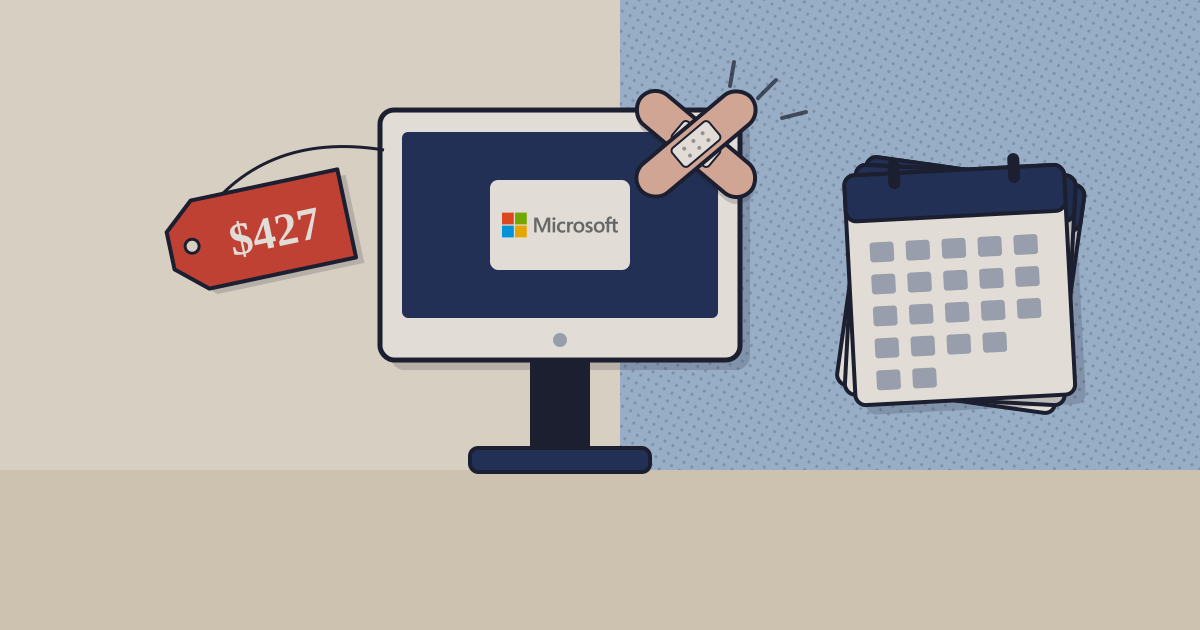
Since 14 October 2025 a Windows 10 PC receives security fixes only if somebody pays for them. Microsoft’s Extended Security Updates cost US$61 a device for the first year, the price doubles every year, and the programme stops after three.1 Kept on Windows 10 for the full term, one PC costs US$427 in patch subscriptions before anyone has installed anything.
US$427
to keep one Windows 10 PC getting security fixes for all three ESU years
US$61, then US$122, then US$244; the programme stops after year three.
The 2024 version of this piece drew a line between a patch and an OS update, and treated the second as the bigger, optional job. Microsoft draws the line differently: monthly quality updates, which carry the security fixes, go only to a version of Windows that is still in support.2 So the first question in any patch policy is not how fast you deploy, but whether the machine is on a version that still gets patches at all.
01What a Windows 10 PC costs to keep patched
One Windows 10 PC costs US$61 to patch for a year, US$183 for two and US$427 for three
Windows 10 ESU list price per device for organisations, US$, years one to three from November 2025
- Price that year
- Running total
US$
Table view
| Price that year | Running total | |
|---|---|---|
| Year one | 61 | 61 |
| Year two | 122 | 183 |
| Year three | 244 | 427 |
Source: Microsoft Learn, Extended Security Updates program for Windows 10; TechBag arithmetic for the running total · as of 30 September 2026 · Commercial volume licensing; consumer ESU excluded
02What the money buys, and what it does not
ESU delivers Critical and Important security updates and nothing else: no new features, no non-security fixes, no general technical support, and only for PCs on Windows 10 version 22H2.1 It is free for Windows 10 virtual machines on Windows 365, Azure Virtual Desktop and Azure VMs, which is Microsoft telling you where it would rather the workload went. It also does nothing for Chrome, Zoom, Java or Acrobat Reader on the same machine; those still need your patch tool.
The upgrade path has its own clock. Each Windows 11 version is serviced for 24 months on Home and Pro and 36 months on Enterprise and Education, and Microsoft’s rule is to move to the latest version before the current one reaches end of servicing.2 On Pro, that is a fleet-wide feature update roughly every two years, scheduled like any other patch.
Buying in India. ESU is sold through Microsoft volume licensing, so an Indian organisation buys it from a licensing partner in INR against the USD list, with 18% GST on the invoice. The regulation that bites is CERT-In’s Directions of 28 April 2022: incidents reported within six hours and logs kept for 180 days, whichever version of Windows the incident started on.3 Banks have a sharper version in RBI’s Cybersecurity, Technology Risk and Resilience Framework Directions of 31 July 2026, which require a vulnerability assessment every six months on internet-facing systems.4 And the DPDP Rules, notified on 13 November 2025, bring the reasonable-security-safeguards duty into force on 13 May 2027.5 The 2022 shortlist of patch tools, re-checked, is in our patch tools piece.
Sources
- Microsoft Learn, Extended Security Updates (ESU) program for Windows 10 (US$61 year one, doubling, three years, cumulative) — page dated 17 November 2025
- Microsoft Learn, Lifecycle FAQ: Windows (quality updates only on supported versions; Windows 11 servicing 24 and 36 months) — page dated 5 December 2023
- CERT-In, Directions under section 70B(6) of the IT Act (six-hour reporting, 180-day logs) — 28 April 2022
- RBI, Cybersecurity, Technology Risk and Resilience Framework Directions, 2026, via practitioner summary — 31 July 2026 RBI PDF not fetched.
- MeitY, Digital Personal Data Protection Act, 2023 and DPDP Rules, 2025 — notified 13 November 2025
Related on TechBag: the RMM and patch management guide compares the patch tools on price and third-party coverage, and the Microsoft Intune page covers the console most Windows 11 upgrades will be pushed from.
Disclosure. TechBag is a software reseller: it earns a margin when a reader buys through it, including from vendors named here. The analysis is TechBag’s own; no vendor paid for or saw this piece before publication. Facts are labelled reported, TechBag count or our view.
Keep reading