SharePoint Online blocks new classic publishing sites from 1 March: 10 templates named
Microsoft’s reminder of 23 November: what SharePoint Online blocks on 1 March 2027 and makes read-only on 1 October 2028, the 10 templates named, and how to find what is still classic.

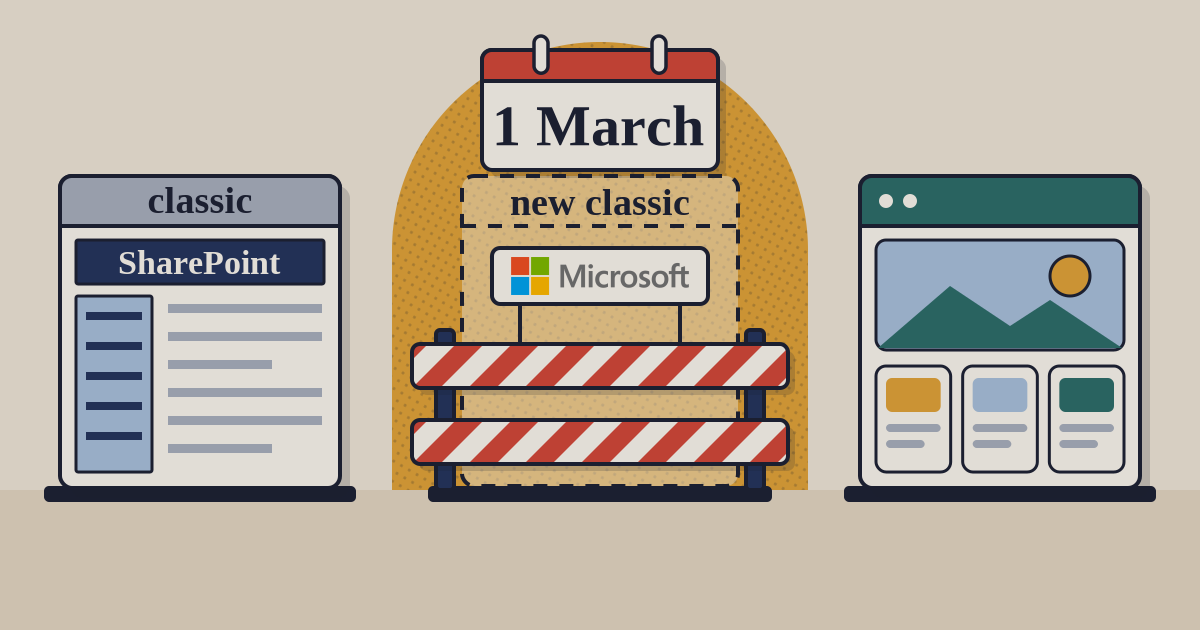
From 1 March 2027 SharePoint Online will refuse to create classic publishing sites or to activate the publishing features, in every tenant. Microsoft’s message-centre reminder of 23 November, MC1565964, carries an act-by date of 28 February and closes the way round: the tenant setting AllowClassicPublishingSiteCreation will be enforced as False, and “Administrators will no longer be able to change this setting”.1 A second phase on 1 October 2028 makes classic pages read-only in every existing tenant.2 Microsoft set the plan out on 31 August, in MC1464926.3
Classic publishing ends in two steps: new sites blocked on 1 March 2027, pages read-only on 1 October 2028
SharePoint Online's restrictions on classic publishing sites, classic pages and custom scripts, August 2026 to October 2028
Show tableHide table
| Date | Event | Detail |
|---|---|---|
| 31 Aug 2026 | Plan announced | Message-centre post MC1464926 |
| 23 Nov 2026 | Reminder posted | MC1565964, with an act-by date |
| 28 Feb 2027 | Act by | Update scripts and migration plans that create publishing sites or switch on publishing features |
| 1 Mar 2027 | Phase 1: new publishing sites blocked | All tenants; tenants created from this date also cannot edit classic pages or add custom scripts |
| 1 Oct 2028 | Phase 2: classic pages read-only | All remaining tenants; adding or updating custom scripts is disabled |
Source: Microsoft 365 message-centre posts MC1565964 and MC1464926, read via mc.merill.net; Microsoft Learn · as of 24 November 2026, 7:45pm IST · Microsoft expects the rollout to begin in early March 2027 and finish by early October 2028
01What is blocked, and for whom
Classic publishing is SharePoint’s older way of building portal and wiki sites. Microsoft’s stated reason for restricting it is to “reduce security and governance risks associated with legacy customization”: classic pages rely on server-side rendering and custom scripting.1 2 From 1 March, site collections and subsites can no longer be created from ten templates: Publishing Portal Site (BLANKINTERNETCONTAINER#0), Publishing Site (CMSPUBLISHING#0), Publishing Site Blank (BLANKINTERNET#0), Enterprise Wiki (ENTERWIKI#0), Enterprise Search Center (SRCHCEN#0), Site Directory (SPSSITES#0), News Home Site (SPSNHOME#0), Product Catalog (PRODUCTCATALOG#0), Report Center (SPSREPORTCENTER#0) and Topic Area Template (SPSTOPIC#0). Other classic templates are not affected.2 Open the table for each restriction:
Show tableHide table
| What | Tenants | From | What happens |
|---|---|---|---|
| Creating classic publishing sites from the ten templates, as site collections or subsites | All | 1 March 2027 | Blocked |
| Activating the classic publishing feature | All | 1 March 2027 | Blocked |
| The AllowClassicPublishingSiteCreation tenant setting | All | 1 March 2027 | Enforced as False; cannot be changed |
| Creating or editing classic pages; adding or updating custom scripts | Created on or after 1 March 2027 | 1 March 2027 | Blocked; DenyAddAndCustomizePages enforced as True |
| Classic wiki, Web Part, blog, publishing and custom ASPX pages | All existing tenants | 1 October 2028 | Read-only: they open, but cannot be edited or created |
| Adding or updating custom scripts | All existing tenants | 1 October 2028 | Disabled; DenyAddAndCustomizePages enforced as True |
| List and library views, list form pages | All | Not in scope | No read-only change; scripts embedded in them still fall under the script rules |
| Existing classic content and existing scripts | All | Both dates | Not deleted or modified; existing scripts continue to function |
Two details decide who feels the first date. The setting’s documented default is already False, so the tenants that lose something on 1 March are those where an admin switched it to True, and those whose scripts still create these sites.4 And a move from SharePoint Server is caught too: classic publishing sites “can’t be migrated as-is to a newly created classic publishing site in SharePoint Online”.2 The changes apply in every cloud, including GCC, GCC High, DoD and 21Vianet.2
02What an admin does
- By 28 February, fix what creates publishing sites. Microsoft asks admins to find provisioning automation and migration plans that create classic publishing site collections or subsites, or activate publishing features, and move them to modern alternatives.1 The setting is a parameter of the
Set-SPOTenantcmdlet.4 - Take the inventory. The Microsoft 365 Assessment Tool, an open-source tool maintained by Microsoft and the community, has a Classic Pages module from version 1.15.0. It lists every classic page with its type, web parts, a readiness percentage and usage, as CSV files and a Power BI report.6 It reads SharePoint Online only, and a full-tenant run uses an Entra app with the read-only
Sites.Read.Allapplication permission.5 - See which pages are still used. Microsoft Purview Audit records the events
ClassicPageViewed,ClassicPageEditedandClassicPageCreated; version 1.16.0 of the tool pulls them in.2 5 - Modernise in waves before October 2028. Microsoft points to PnP PowerShell page transformation, and to an open-source page migration agent in preview that has no Microsoft support SLA. It warns that highly customised pages “can require redesign or manual rebuilding”.2
If the assessment finds no classic publishing sites, classic pages or affected scripts, Microsoft says “no action is required”.2
Sources
- Microsoft 365 message centre, MC1565964: Microsoft SharePoint Online: Classic publishing restrictions begin March 1, 2027 (read via mc.merill.net) — 23 November 2026
- Microsoft Learn: Upcoming changes to classic publishing sites, classic pages, and custom scripting in SharePoint Online — 24 August 2026, updated 3 September 2026
- Microsoft 365 message centre, MC1464926: Upcoming changes to classic publishing sites, classic user-created pages and custom scripting in SharePoint Online (read via mc.merill.net) — 31 August 2026
- Microsoft Learn: Set-SPOTenant, parameter AllowClassicPublishingSiteCreation — 19 October 2026
- Microsoft Learn: Requirements for the classic pages assessment — 22 July 2026
- Microsoft 365 Assessment Tool: documentation, including the Classic SharePoint Pages Assessment — undated page
Disclosure. TechBag is a software reseller: it earns when companies buy through it, including from vendors named here. The analysis is TechBag’s own; no vendor paid for or saw this piece before publication. Facts are labelled reported, TechBag count or our view. How the Journal works.
Keep reading