Windows servers will require NTLM signing from May; event 4023 shows who fails
Microsoft’s KB5135557, updated 20 November: what the November updates changed, what fails when servers enforce signing in May 2027, and the events and registry values to check.

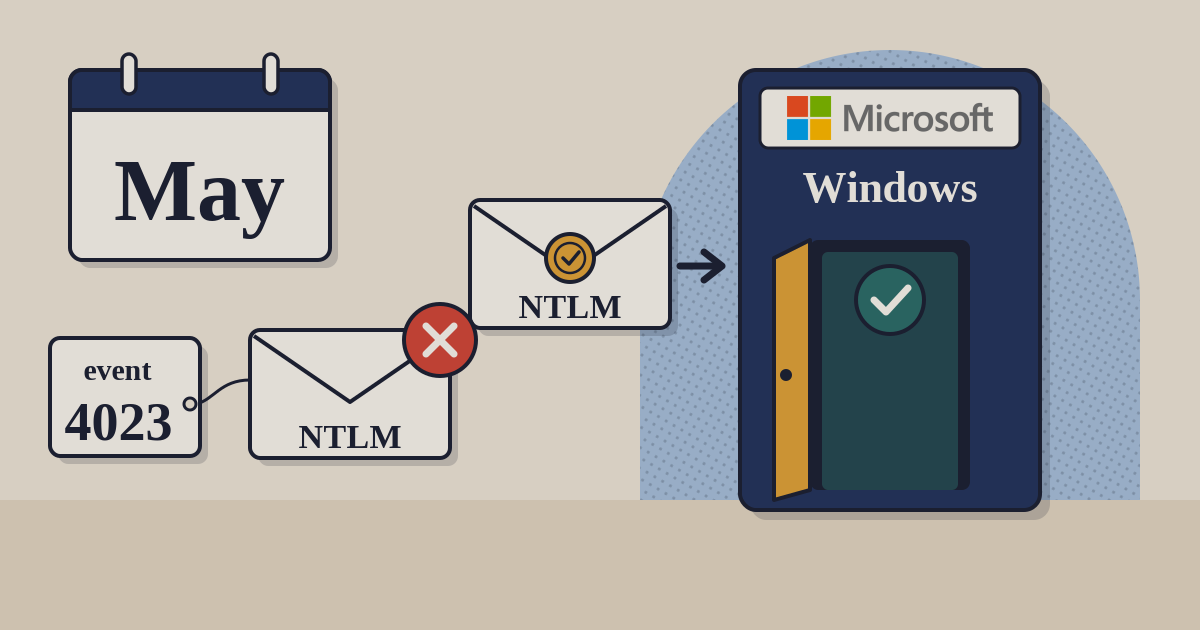
Windows servers will begin requiring NTLM message signing by default in May 2027, and “Clients that do not offer signing will be rejected by secure servers.” That is Phase 2 of a change Microsoft started with the Windows updates of 10 November, set out in support article KB5135557. A rejected client gets the error SEC_E_UNSUPPORTED_FUNCTION (0x80090302), and the server logs a warning, Event 4023.1 The article covers Windows 11 versions 23H2 to 26H2, Windows 10 Enterprise LTSC 2021 and Windows Server 2016, 2019, 2022 and 2025.1 Microsoft’s message-centre post MC1549242, read through the public mirror mc.merill.net, asks admins to “Require NTLM signing before it’s enabled by default in May 2027.”2
Windows clients have offered NTLM signing since November; servers will demand it from May
Microsoft's two-phase NTLM signing rollout and the dates around it, October 2026 to May 2027
Show tableHide table
| Date | Event | Detail |
|---|---|---|
| Oct 2026 | 13 Oct: auditing for Server 2019, 2022 | Enhanced NTLM events reach Windows Server 2019 and 2022 in that day's updates |
| Nov 2026 | 10 Nov: Phase 1 | Clients offer signing by default; servers accept signed and unsigned clients and log events |
| Nov 2026 | 20 Nov: known issue | Some authentication proxies, single sign-on and app-packaging tools fail |
| Nov 2026 | 24 Nov: MC1549242 updated | The message-centre post points admins to the known issue |
| May 2027 | May: Phase 2 | Servers require signing by default and reject clients that do not offer it |
Source: Microsoft Support, KB5135557 and KB5064479; message-centre post MC1549242, read via mc.merill.net · as of 25 November 2026, 7:00pm IST · Microsoft gives Phase 2 as May 2027 with no day; it is plotted at the start of the month
01What signing stops, and what breaks
In an NTLM relay, an attacker who gets a client to authenticate to it passes that exchange on to a real server and is let in as the user. Signing defeats it because every message after sign-in must carry a code made with a session key the relaying attacker never learns. Until now, Microsoft writes, applications that did not ask for integrity got a “Legacy 16-byte zero placeholder” with “No cryptographic protection”; the update makes real signing the default.1 It ships as the fix for CVE-2026-118737, which Microsoft lists as a critical remote code execution flaw in the Windows RPC runtime, scored 8.1, and which it had not seen exploited when it published on 10 November.3
Kerberos is untouched, and anonymous and guest connections are exempt.1 The breakage has already begun: on 20 November Microsoft added a known issue for third-party authentication proxy servers, single sign-on and application-packaging tools. With signing on, Windows rejects a server challenge that lacks the NetBIOS computer and domain names, which the protocol requires, with STATUS_LOGON_FAILURE.1
02What to do, in order
- Install the November updates on clients and servers.2
- Audit. In Event Viewer, under Applications and Services Logs > Microsoft > Windows > NTLM > Operational, read Event 4023 on servers and 4022 on clients. Do not filter by level: signed and unsigned connections are both warnings. A ready connection shows “Session Key Status: Present” and the 0x10 bit in its negotiated flags; the article gives a PowerShell script that lists every client without it.1 The enhanced events are logged on Windows 11 24H2 and later and Windows Server 2019, 2022 and 2025; Server 2016 is not on that list.4
- Clear the proxies. Where sign-in fails now, Event 4021 showing “Target Machine: Not Found” marks a likely culprit. Set ClientAllowUnsignedNtlm to 1 on affected clients only as a stopgap, and move the product to Kerberos or a vendor update.1
- Enforce early. When the audit is clean, set ServerRequireNtlmSign to 1; no restart is needed.1
Show tableHide table
| Registry value | Default | Set to 1 |
|---|---|---|
| ClientAllowUnsignedNtlm | 0: client offers signing on all non-anonymous connections | Client does not offer signing; temporary compatibility only |
| ServerRequireNtlmSign | 0: server accepts signed and unsigned clients | Server rejects unsigned clients; once audits show none |
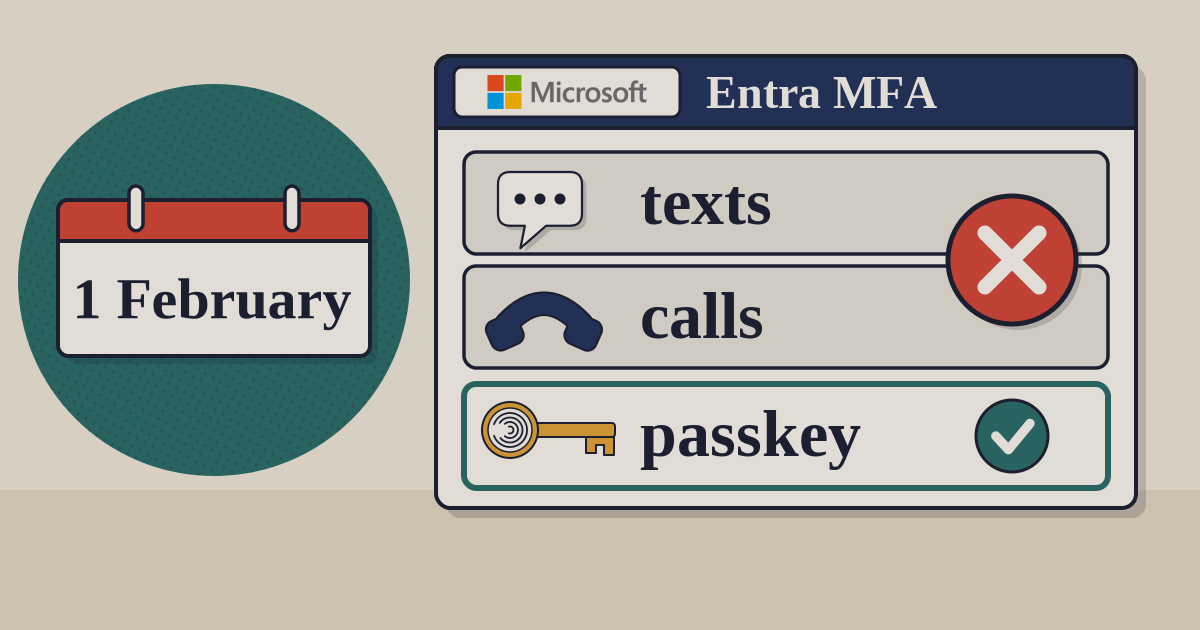
Both are REG_DWORD values under HKEY_LOCAL_MACHINE\SYSTEM\CurrentControlSet\Control\Lsa\MSV1_0. A client left at 1 is a client that does not offer signing, which is exactly what Phase 2 rejects, and Microsoft says it might remove the keys later.1 For the sign-in change due before May, see the end of Entra’s SMS and voice codes on 1 February.
Sources
- Microsoft Support, KB5135557: NTLM signing security improvements in Windows — 10 November 2026, updated 20 November 2026
- Microsoft 365 message centre, MC1549242: NTLM signing security improvements in Windows (read via mc.merill.net) — updated 24 November 2026
- Microsoft Security Response Center, CVE-2026-118737: Remote Procedure Call Runtime Remote Code Execution Vulnerability — 10 November 2026
- Microsoft Support, KB5064479: Overview of NTLM auditing enhancements in Windows 11, version 24H2, Windows Server 2019, and later versions — 11 July 2025, as updated
Disclosure. TechBag is a software reseller: it earns when companies buy through it, including from vendors named here. The analysis is TechBag’s own; no vendor paid for or saw this piece before publication. Facts are labelled reported, TechBag count or our view. How the Journal works.
Keep reading